October 26, 2026
Page templates, new blocks, and a drag-and-drop editor
Start a page from a template, add contact cards, link lists, and meeting schedulers, and rearrange blocks by dragging.
Version 2.20.0
Page templates
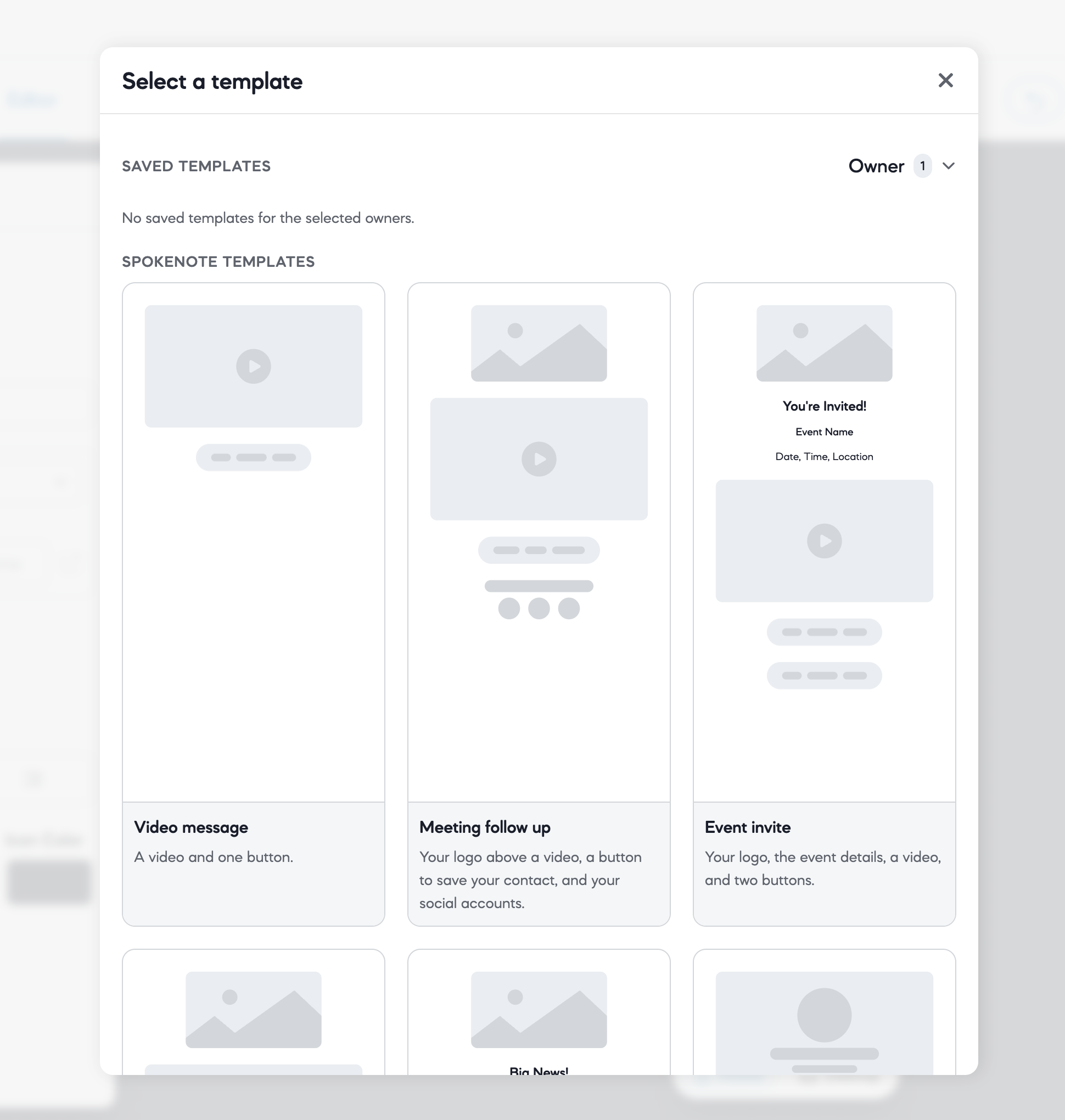
- Start a page from a template. When you create a page, pick a Spokenote template or one of your workspace's own templates.
- Manage your templates. A new Page Templates screen lets you review and delete your saved templates. Templates can be shared with teammates in your workspace.
New block types
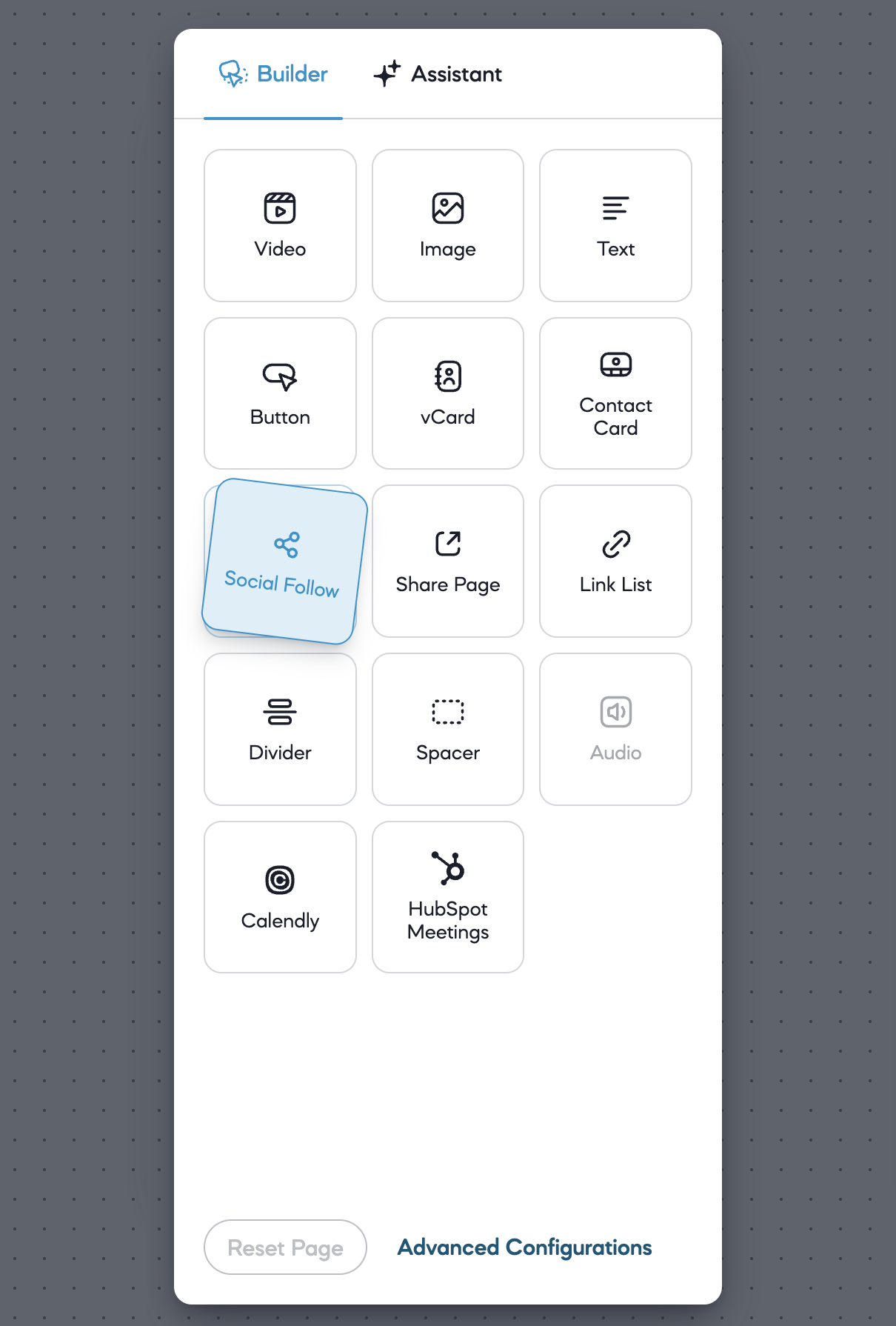
The page builder goes beyond video, images, and buttons to offer additional content types. These new blocks can be combined in any order on the page.
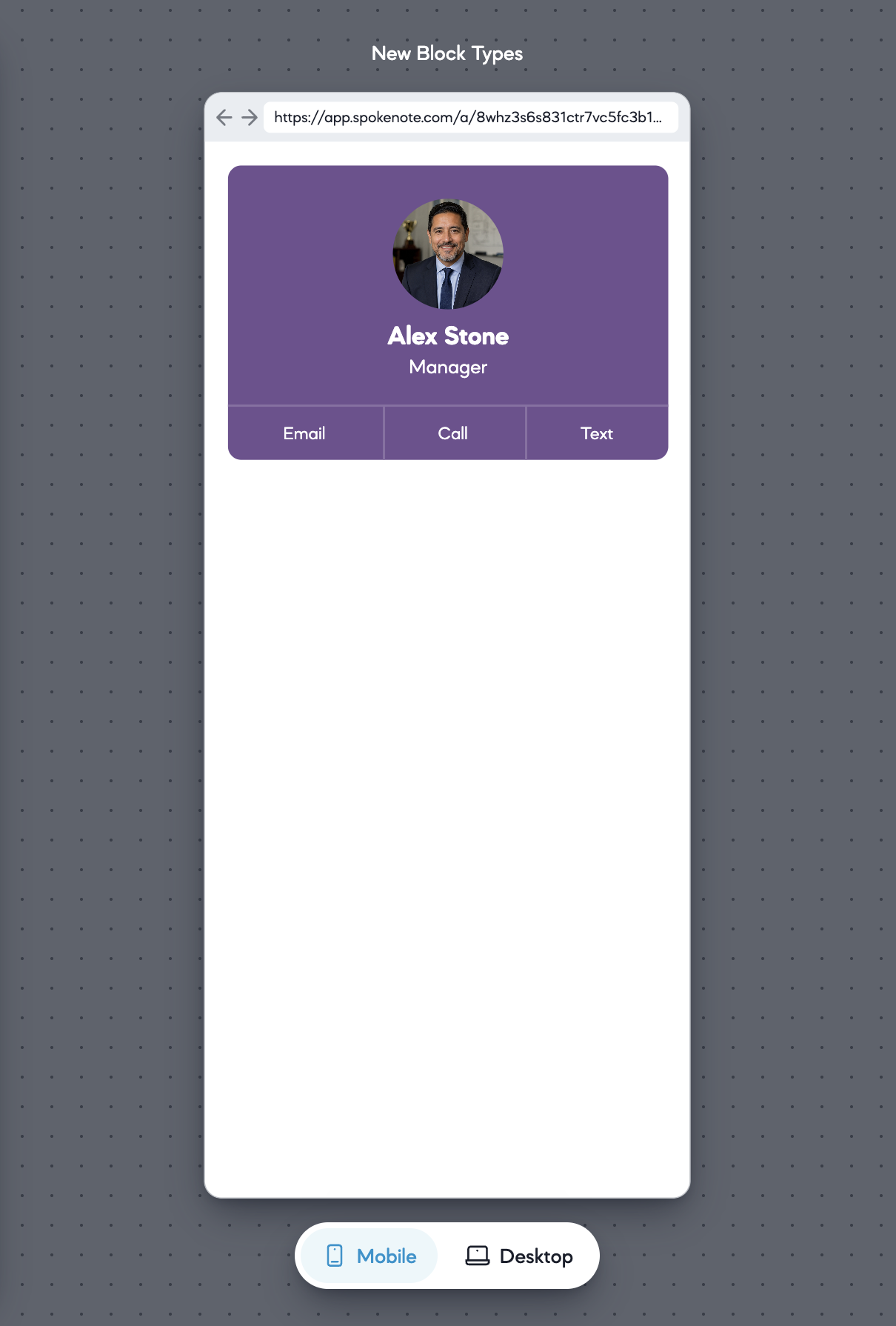
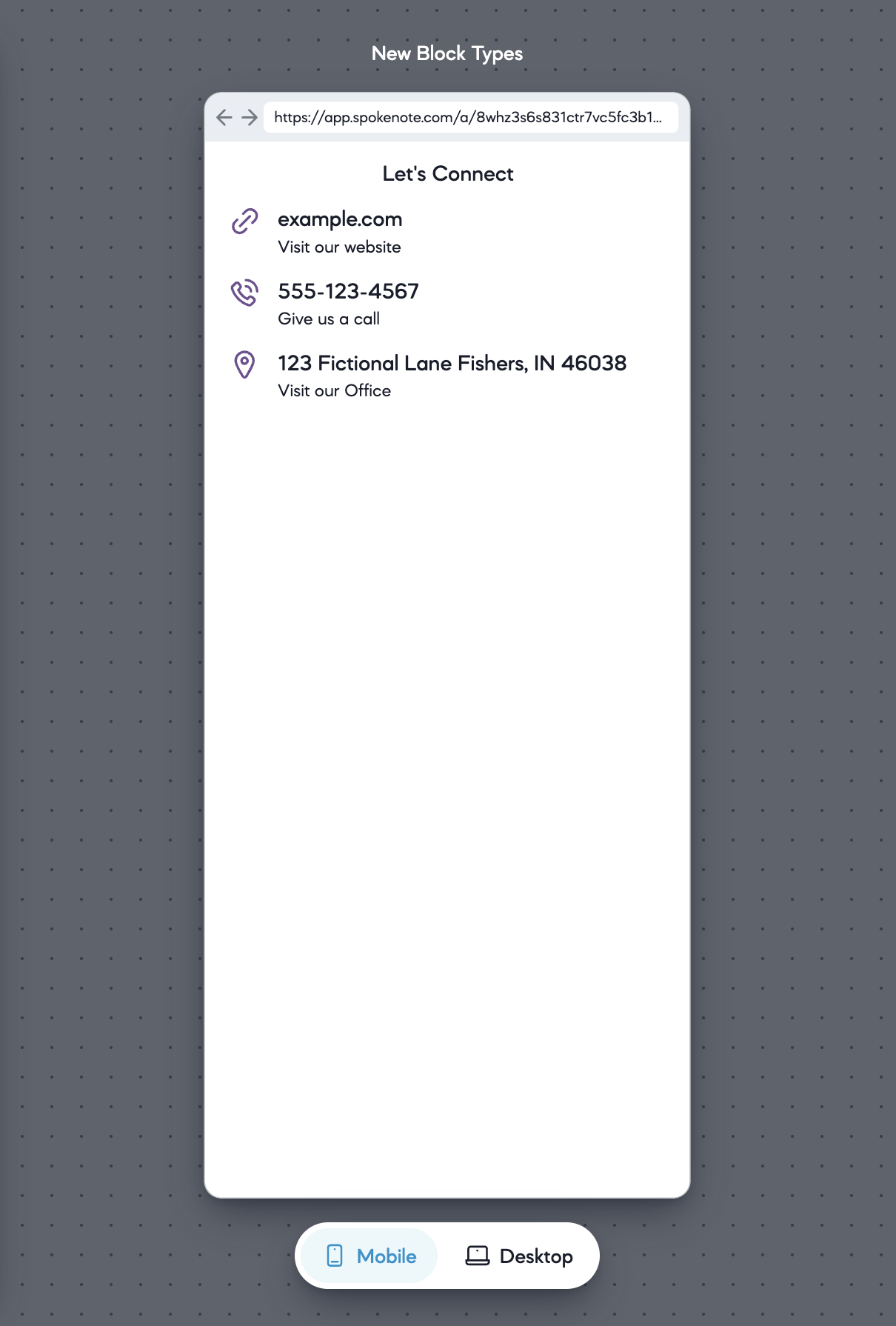
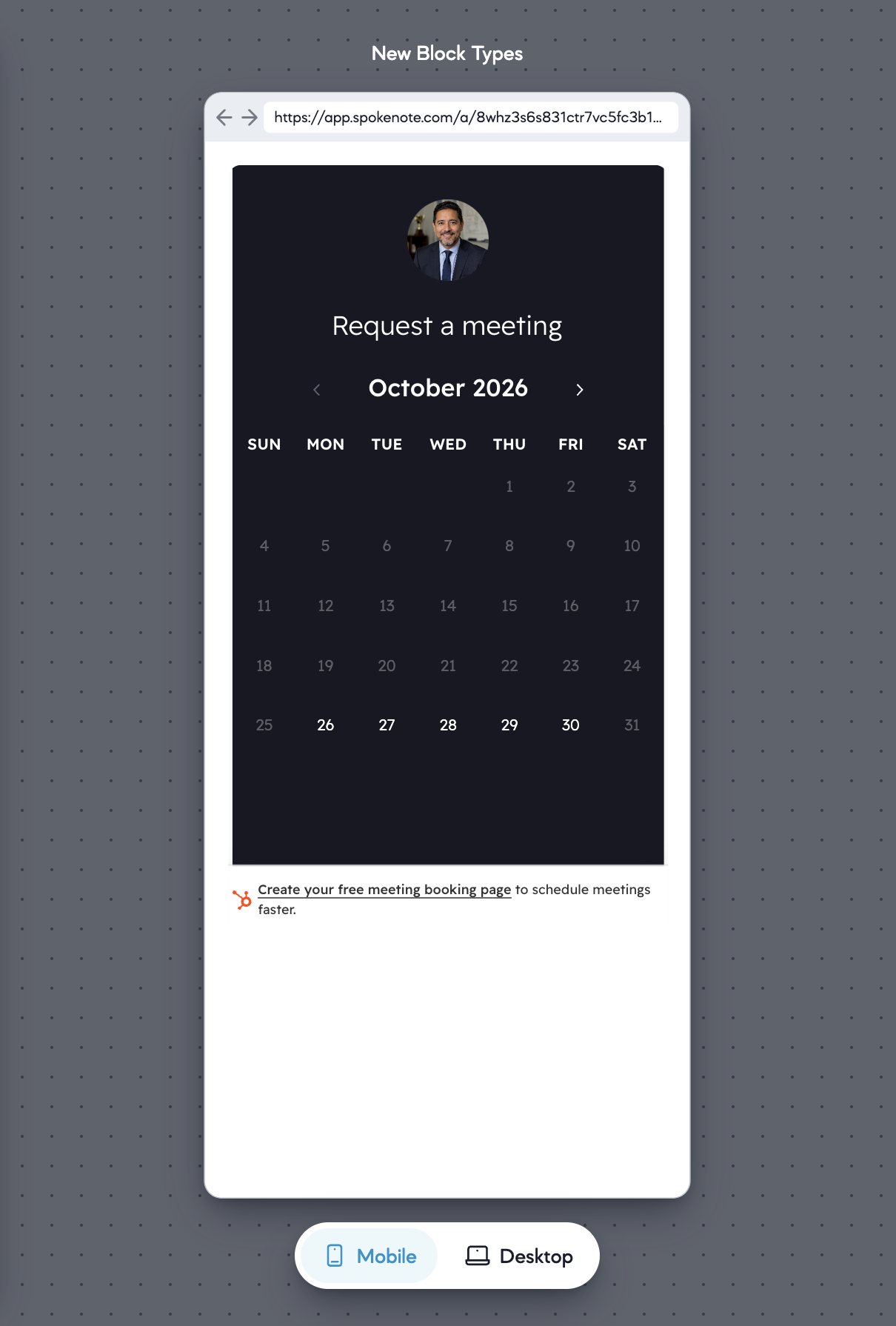
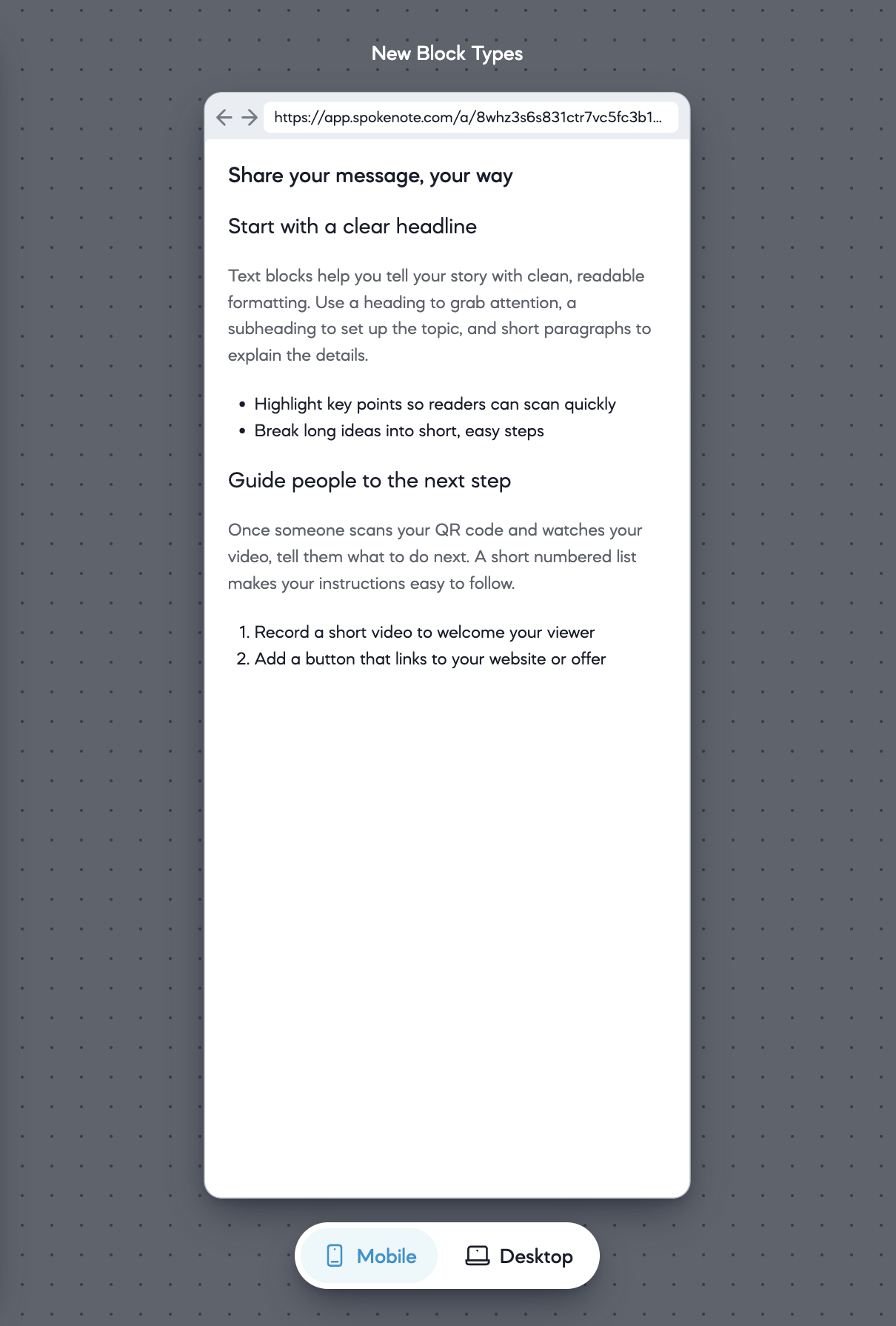
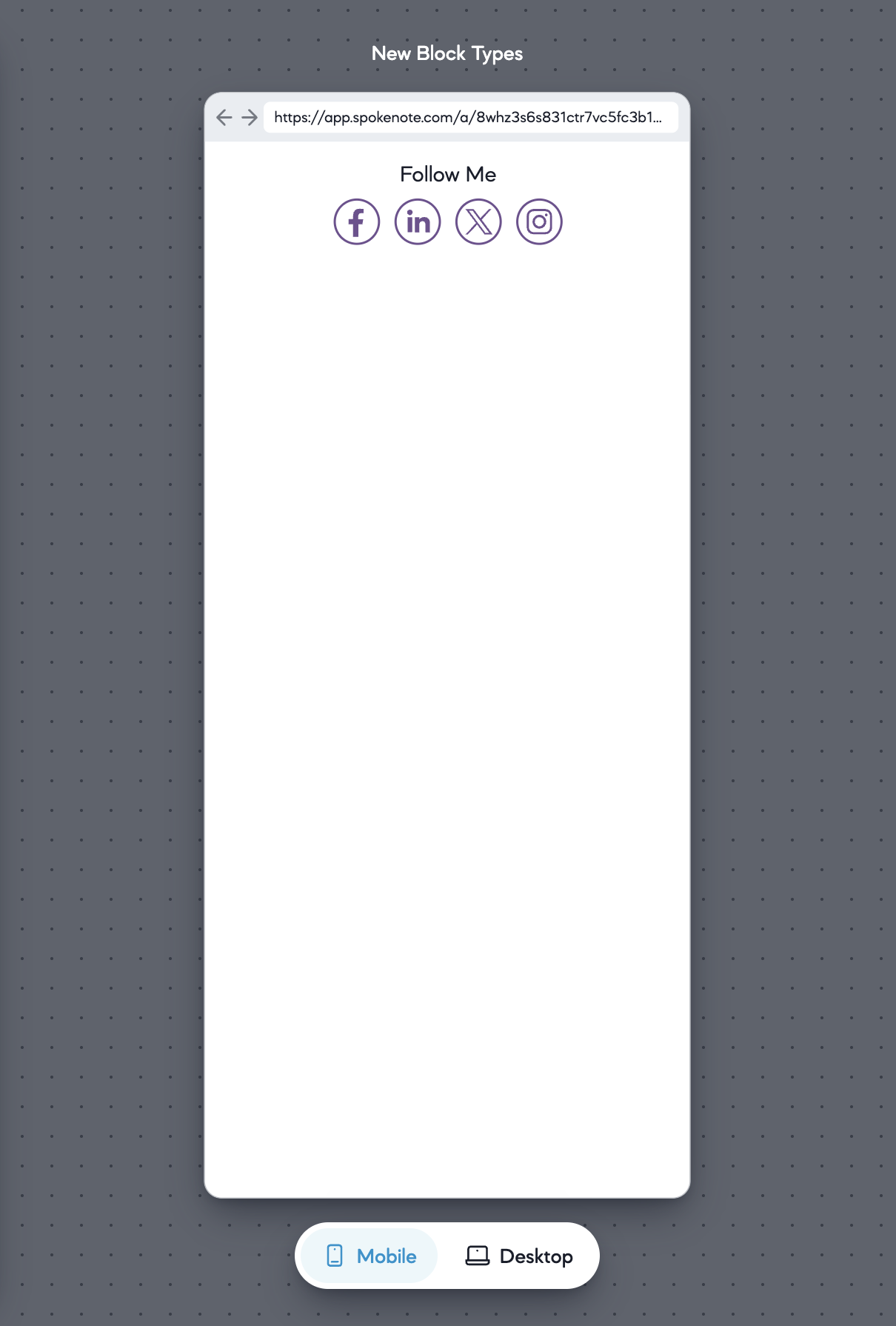
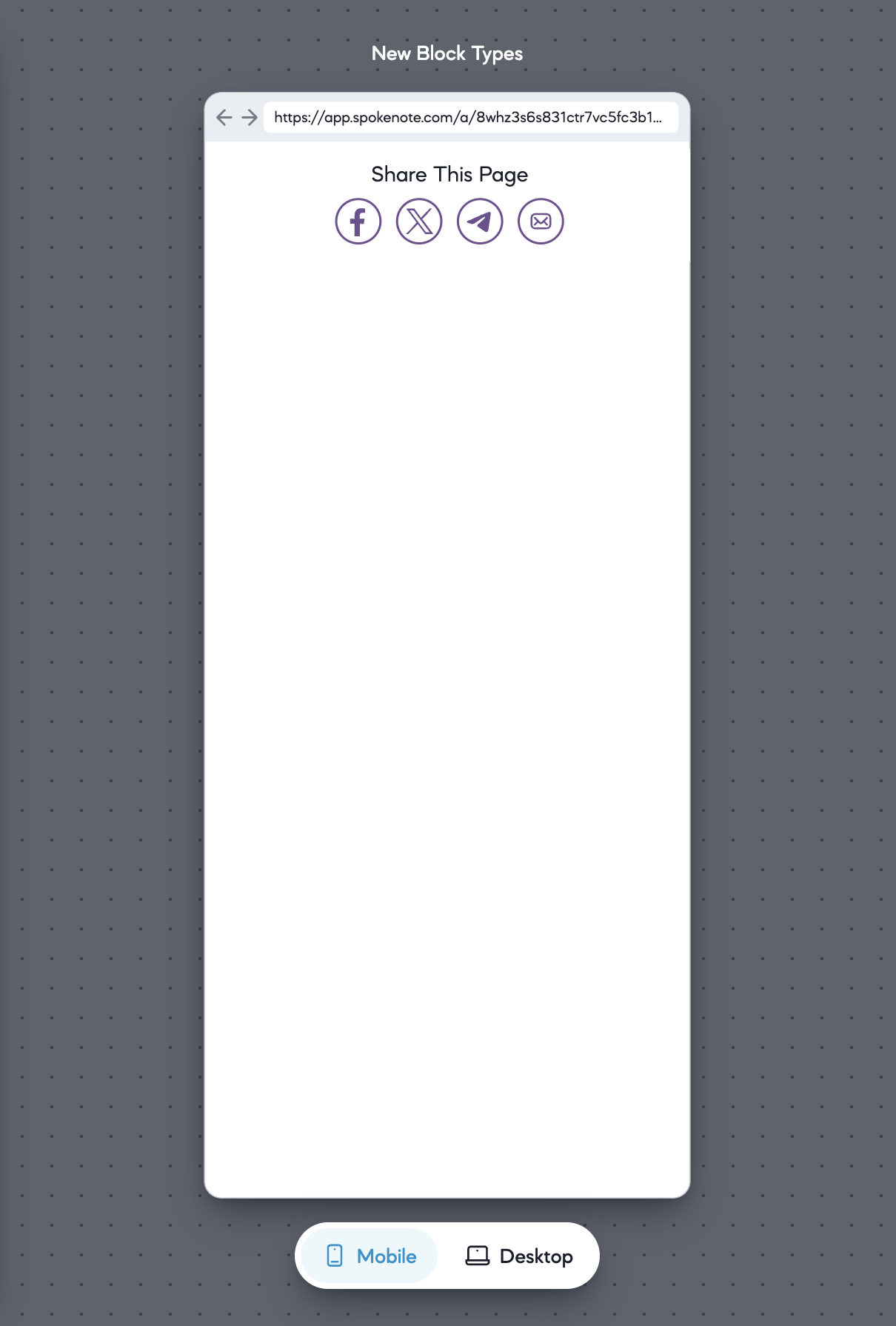
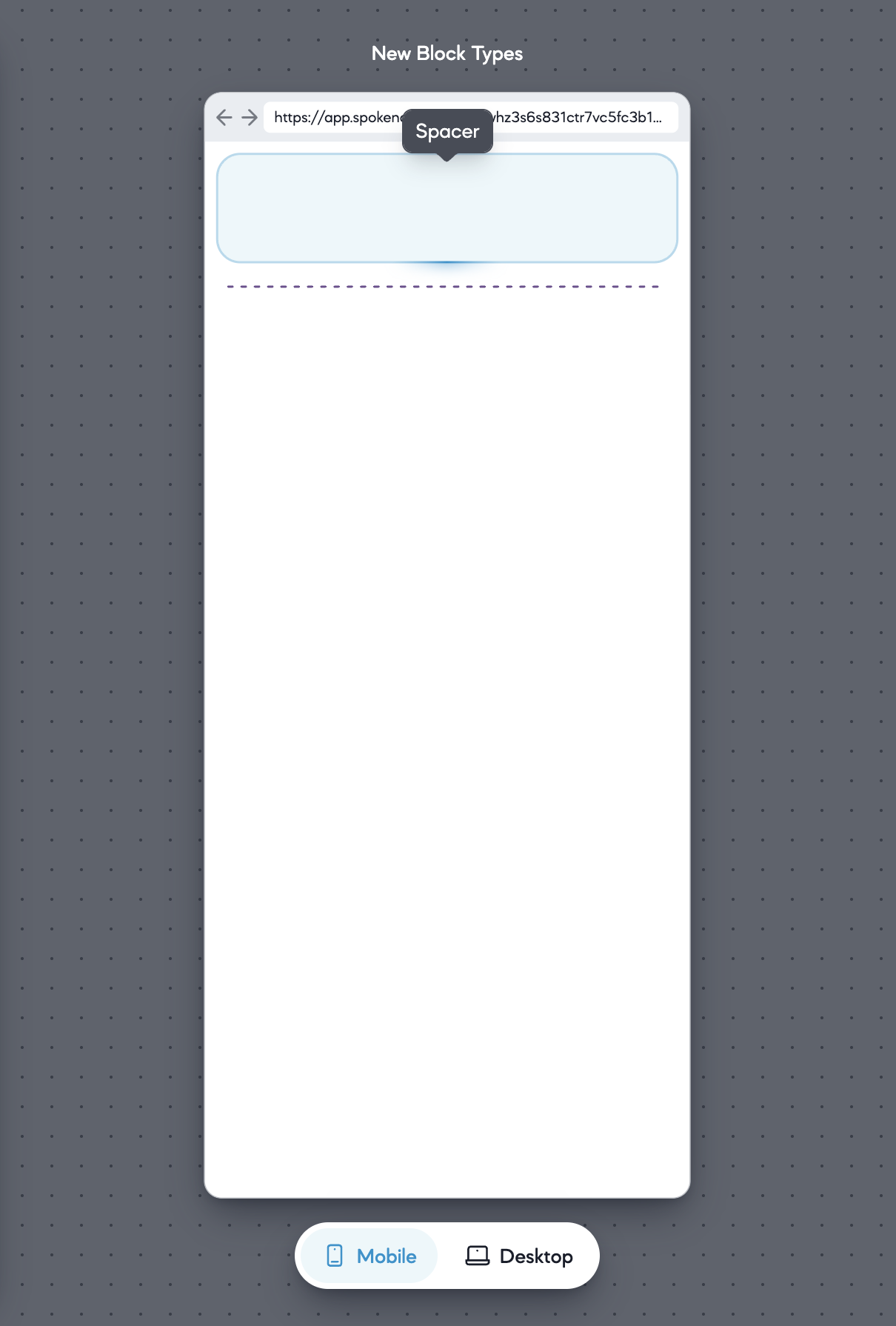
Meeting schedulers are part of the advanced block types. If your plan does not include them, the tile tells you so.
Page editor
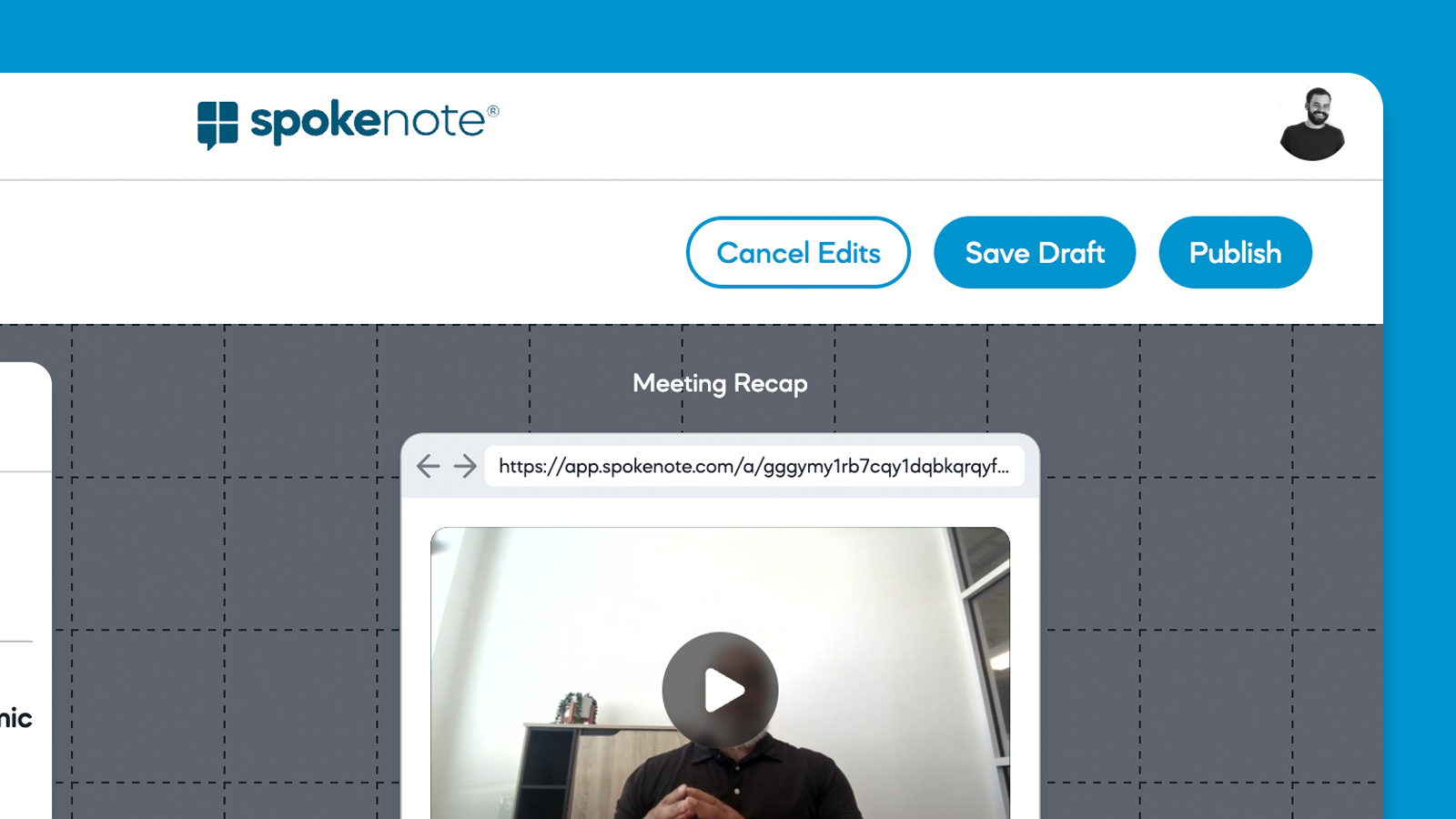
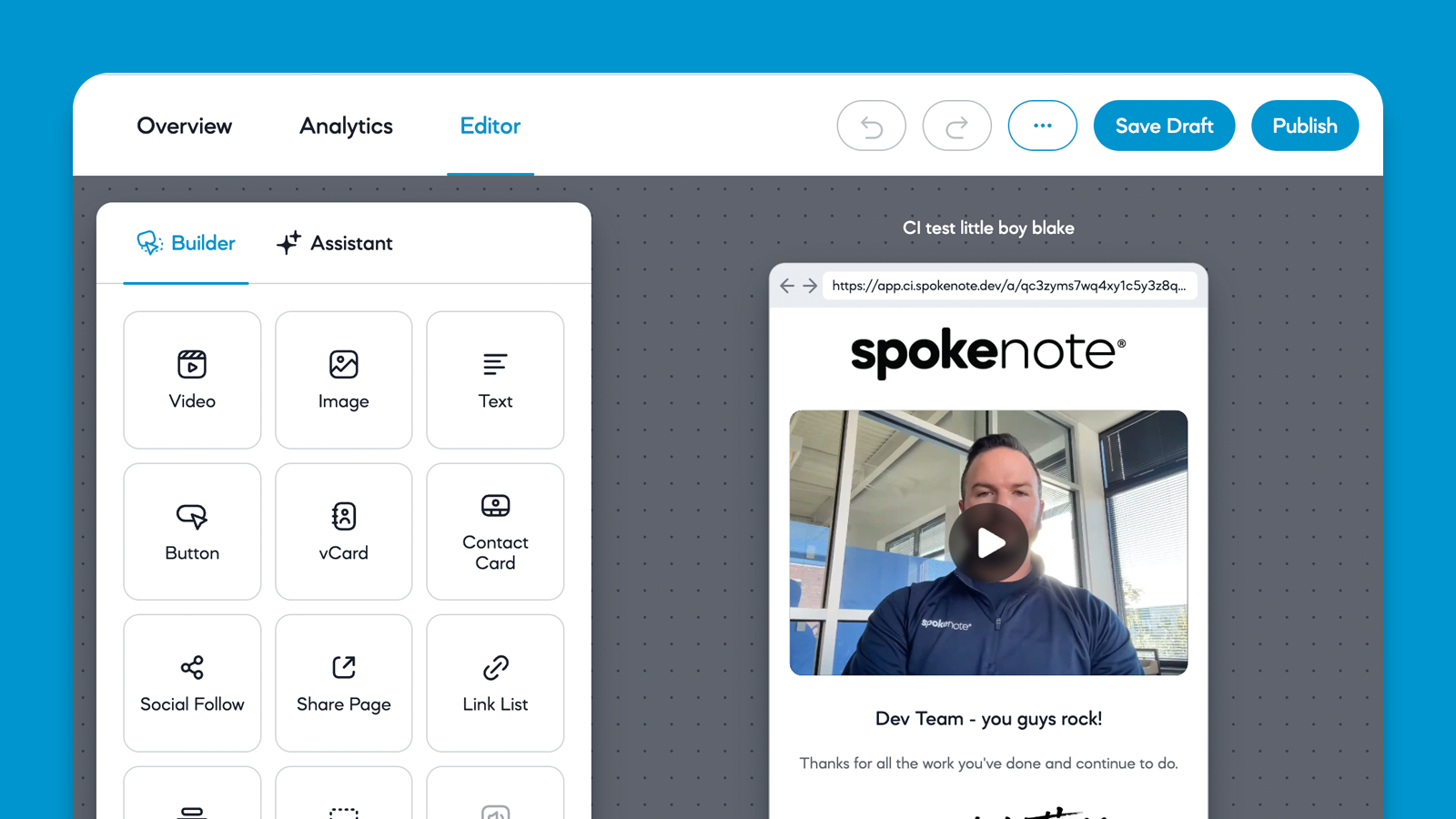
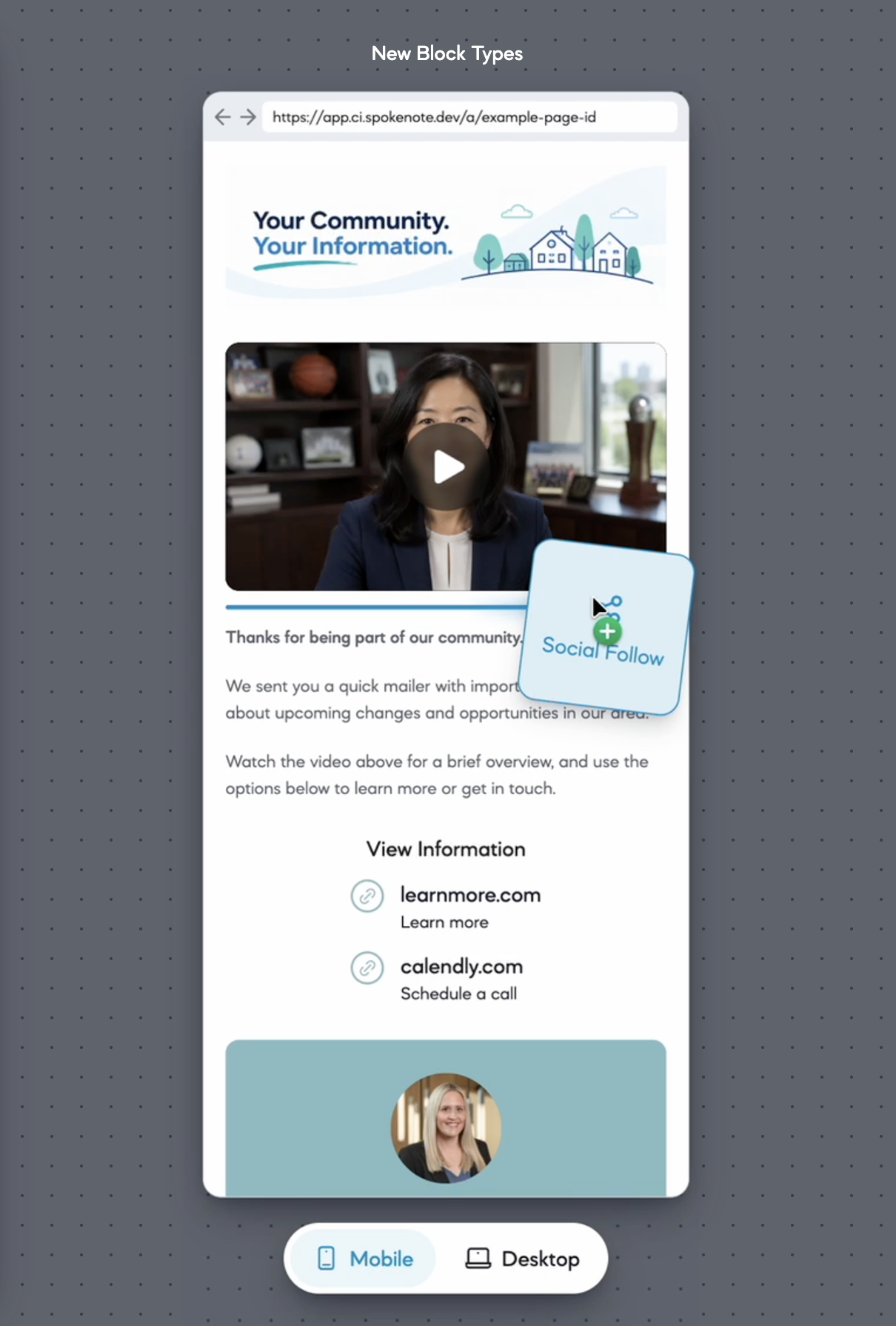
- Drag and drop. Rearrange blocks by dragging them. Drop a block anywhere below the last one to add it to the end.
- Undo and redo. Use the buttons or the keyboard shortcuts you already know.
- Live previews in the editor panel. Video and image blocks show the media itself.
- Safer publishing. Publish now refuses a video, image, or audio block that has no media, so you never ship an empty player. Links on pages open only web, phone, text, and email addresses.
- Sensible limits. A page holds up to 10 blocks.
Media
- Processing starts sooner. Videos begin processing the moment an upload finishes or a browser recording stops.
- Larger previews. In the Media Library, open any item to preview it larger than its thumbnail.
- Better video thumbnails. Spokenote captures 12 frames from across the whole video and uses the first as the default thumbnail.
- Tidier library. Files that belong to a video, such as its generated frames, stay out of your library.
- Thumbnails for pages without video. A text, image, or audio page now shows a screenshot of itself in the Pages list, on Page Overview, and in link previews.
Analytics
- Fresher numbers. Session and campaign analytics refresh every 15 minutes instead of every hour. "Last updated" now shows the time of the most recent refresh.
- Campaign analytics shows every page, and its Download CSV downloads the table you see.
- Page analytics Download CSV downloads every session, not just the first screen.
Did this page help you?
Thanks for your feedback.